Knowledge Base

Getting Started with the Enhance Control Panel

Getting Started with the Enhance Control Panel

Welcome to the Enhance Control Panel! This guide will help you navigate your way around your new hosting control panel and get familiar with its features.

What is Enhance?

Enhance is a modern, powerful web hosting control panel that makes managing your websites, email, databases, and more an absolute breeze. Think of it as mission control for your online presence - everything you need in one place, without the headaches.

Logging In

To access your Enhance Control Panel:

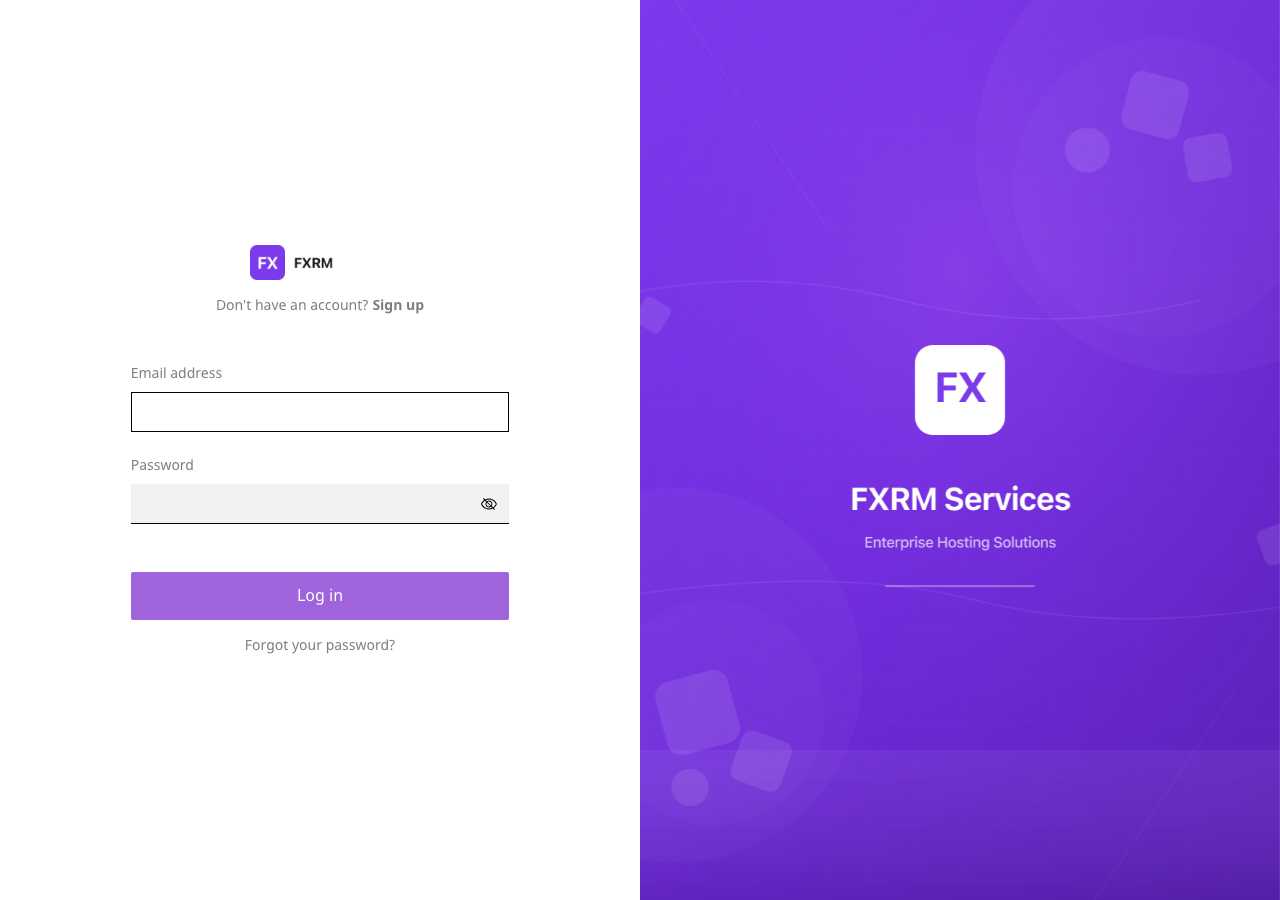
  1. Navigate to your control panel URL (provided in your welcome email)
  2. Enter your email address and password
  3. Click Sign In

Enhance login page showing email and password fields

Top Tip: Forgotten your password? Click the "Forgot Password" link and we'll send you a reset email faster than you can say "password123" (which you definitely shouldn't use as your password, by the way).

The Dashboard

Once logged in, you'll be greeted by your dashboard - the command centre for all your hosting needs.
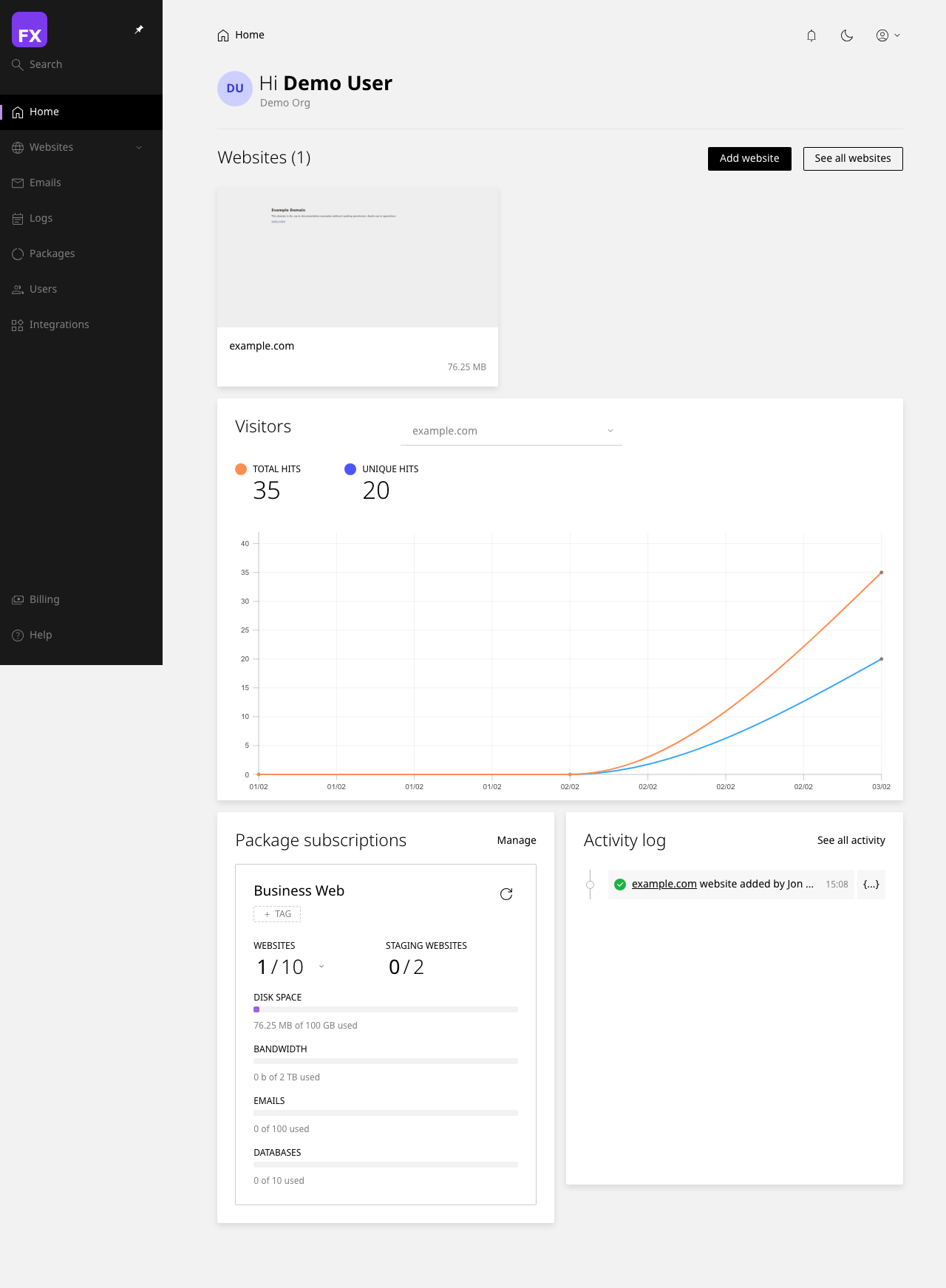
Enhance dashboard showing websites overview

Key Dashboard Elements

Section What It Does
Websites Lists all your hosted websites with quick access links
Email Shows your email accounts and mailbox usage
Databases Displays your MySQL/MariaDB databases
Resource Usage Visual indicators of CPU, memory, and storage consumption
Quick Actions Shortcuts to common tasks like adding websites or email accounts

Navigation Menu

The left-hand sidebar is your best friend. Here's what you'll find:
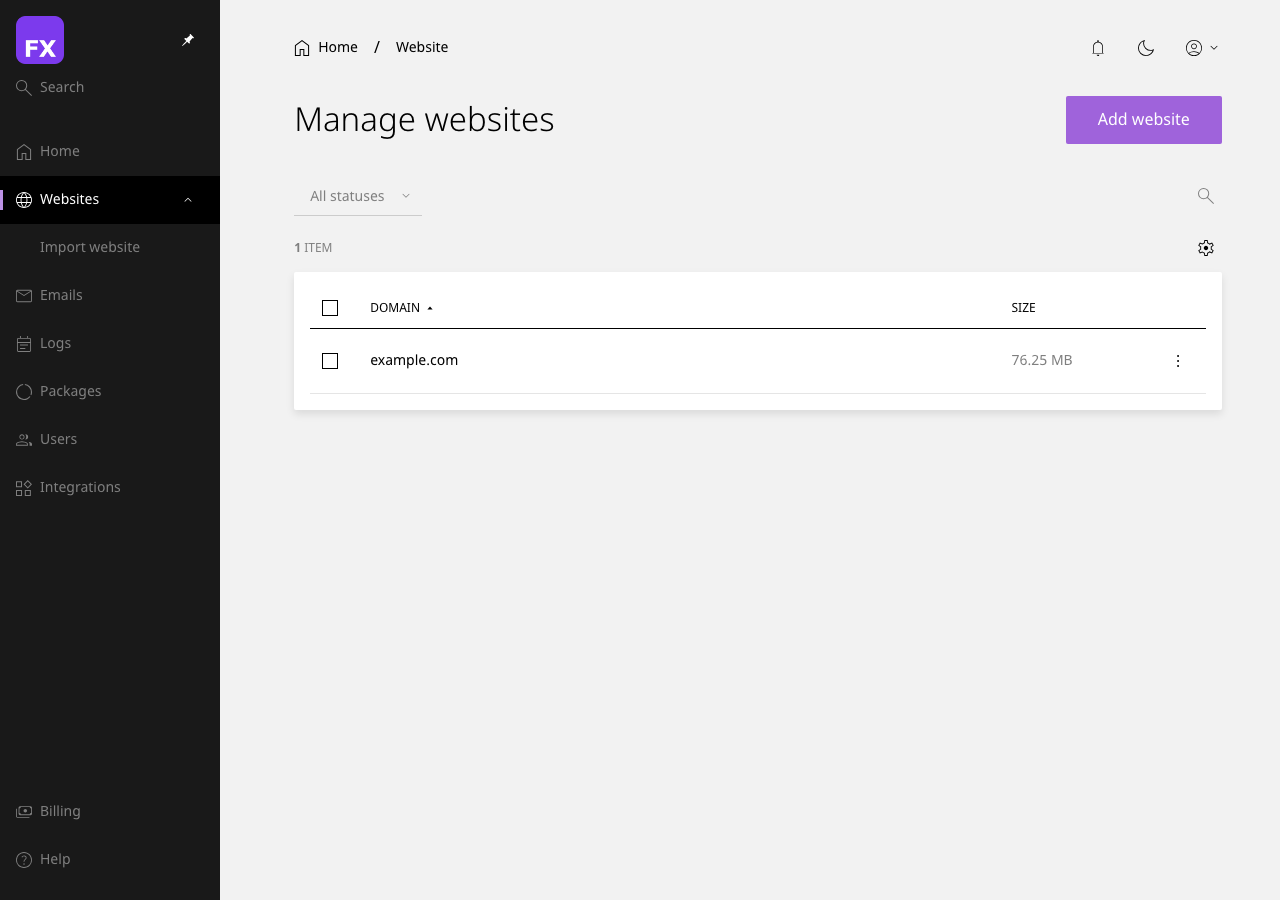
  • Dashboard - Your home base
  • Websites - Manage all your websites
  • Email - Email accounts, forwarders, and settings
  • Databases - Create and manage databases
  • Files - Built-in file manager
  • DNS - Domain name settings
  • Backups - Create and restore backups
  • Security - SSL certificates and security settings
  • Settings - Account preferences

Enhance navigation sidebar with all menu options

Your First Steps

Here's what we recommend doing first:

  1. Check your website - Visit your domain to make sure everything's working
  2. Set up email - Create your professional email addresses
  3. Enable backups - Because better safe than sorry
  4. Install an SSL certificate - Free with Let's Encrypt (we'll do this automatically if you haven't already)

Getting Help

Stuck? Don't panic! Here are your options:

  • Knowledge Base - You're already here! Browse our other articles
  • Support Tickets - Contact our friendly support team
  • Live Chat - Available during business hours for quick questions

Next Steps: Ready to create your first website? Check out our guide on Creating and Managing Websites in Enhance.

Please rate this article to help us improve our Knowledge Base.

0 0